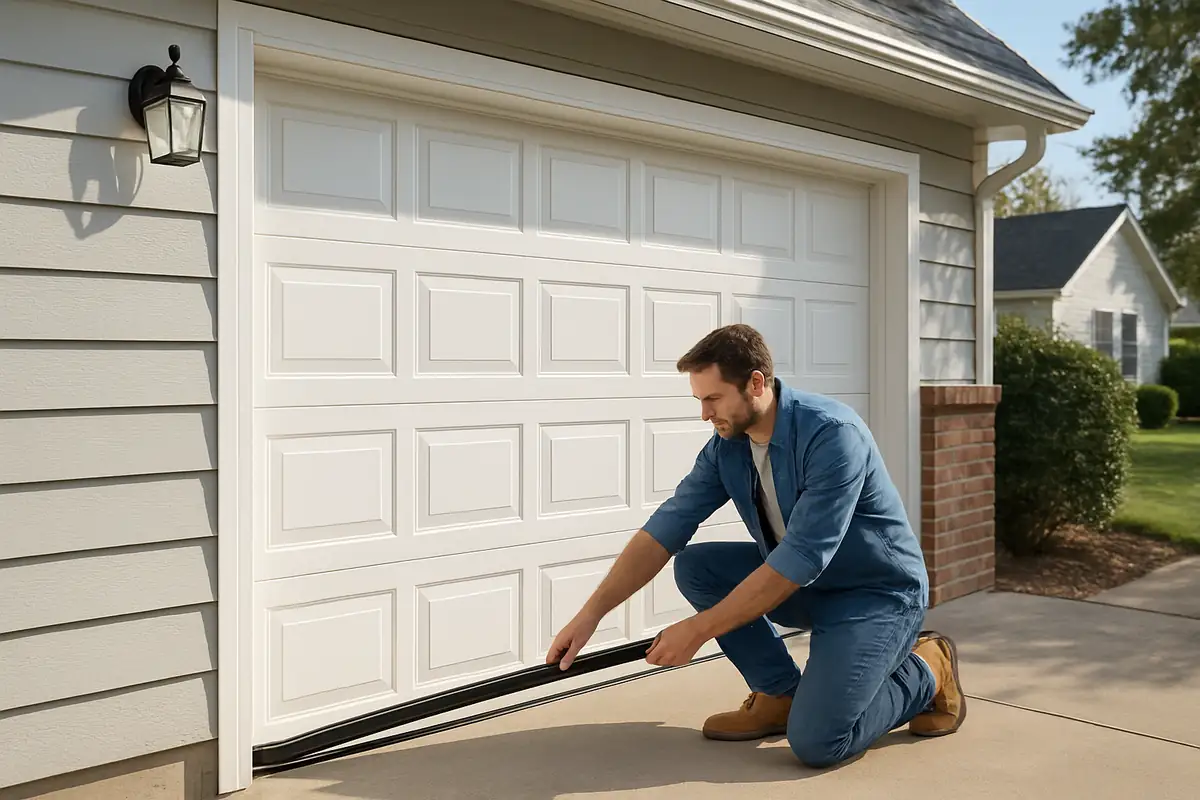
How to Program Your Garage Door Remote – Expert Tips from Garage Door Repair in Marianna, FL
Understanding Your Garage Door Remote
Your garage door remote is an essential tool that provides convenience and security. When it functions correctly, entering your garage is a breeze. However, if you find yourself struggling with programming or reprogramming it, don't worry. This guide covers everything you need to know about programming your garage door remote, especially for residents of Marianna, FL.
Why You May Need to Program Your Remote
There are various reasons why you might need to program your garage door remote:
- New remote: If you've purchased a replacement remote.
- Changed batteries: Replacing batteries can sometimes reset your remote.
- Interference: Nearby devices or changes in technology may disrupt connection.
- Security upgrades: If your security system has been enhanced, reprogramming may be necessary.
Gathering Your Tools
Before you start programming your garage door remote, it’s essential to have the right tools on hand:
- Your garage door remote
- Your garage door opener
- A step ladder (if needed)
- A manual or the model number of your garage door opener (for reference)
- A temporary pen and paper to note down any information
Step-by-Step Guide to Programming Your Garage Door Remote
Programming your garage door remote can vary depending on the brand and model. However, the following steps are generally applicable for most remotes:
1. Locate the Learn Button
The first step is to find the 'Learn' button on your garage door opener. It’s usually located on the back or side of the unit, near the antenna. In some cases, you may need to remove a cover to access it.
2. Press the Learn Button
Press the 'Learn' button once. A light on the garage door opener should begin to blink, indicating that the opener is in programming mode.
3. Prepare Your Remote
Within 30 seconds of pressing the 'Learn' button, you need to get your remote ready. Hold the button you want to program (often the largest button) until you see the garage door opener light blink or hear a click.
4. Test the Remote
After programming, test your remote by pressing the programmed button. If done correctly, your garage door should open or close.
Common Issues and Troubleshooting Tips
If you encounter any issues during the programming process, consider the following troubleshooting tips:
- Remote Not Responding: Check the batteries and replace them if necessary.
- Light Doesn't Blink: Ensure you're pressing the 'Learn' button correctly and within the time frame.
- Interference: Move nearby electronic devices away from the garage door opener.
- Model Compatibility: Verify that your remote is compatible with your garage door opener by checking the model numbers.
Safety Precautions to Consider
When programming your garage door remote, safety should be a top priority. Here are a few tips to keep in mind:
- Ensure that no one is standing close to the garage door while programming.
- Be cautious when using a ladder to access the garage door opener.
- Follow the manufacturer's instructions closely to avoid malfunctions.
When to Call in the Professionals
Sometimes, despite your best efforts, programming your garage door remote can be a challenge. If you’re experiencing persistent issues or if your garage door is not functioning properly after programming, it may be time to call in the experts. In Marianna, FL, you can rely on Garage Door Repair & More to provide professional assistance. Here are some signs you should seek professional help:
- Your remote is not compatible with your garage door opener.
- Physical damage to your remote or opener.
- Repeated failures despite following programming steps.
- Unusual noises or behavior from your garage door.
Conclusion: Take Control of Your Garage Door Experience
Programming your garage door remote is a straightforward process, but it’s essential to follow the right steps and safety precautions. With the information and tips provided in this guide, you should be well-equipped to program your remote successfully. If you continue encountering difficulties, don’t hesitate to contact Garage Door Repair & More in Marianna, FL. Our experienced technicians are ready to assist you with all your garage door needs.
Ready to get started? Contact Garage Door Repair & More today for professional garage door services!
Explore More Resources
Related Articles
Service Areas
We proudly serve Marianna, Mallory Heights, Oakdale, Chipola Terrace, Star and more areas.
Our Services
Professional garage door repair, spring repair, opener installation and more. View all services →
How to Extend the Life of Your Garage Door: Essential Tips for Marianna, FL Residents
Choosing the Right Garage Door for Your Climate: Garage Door Repair in Marianna, FL