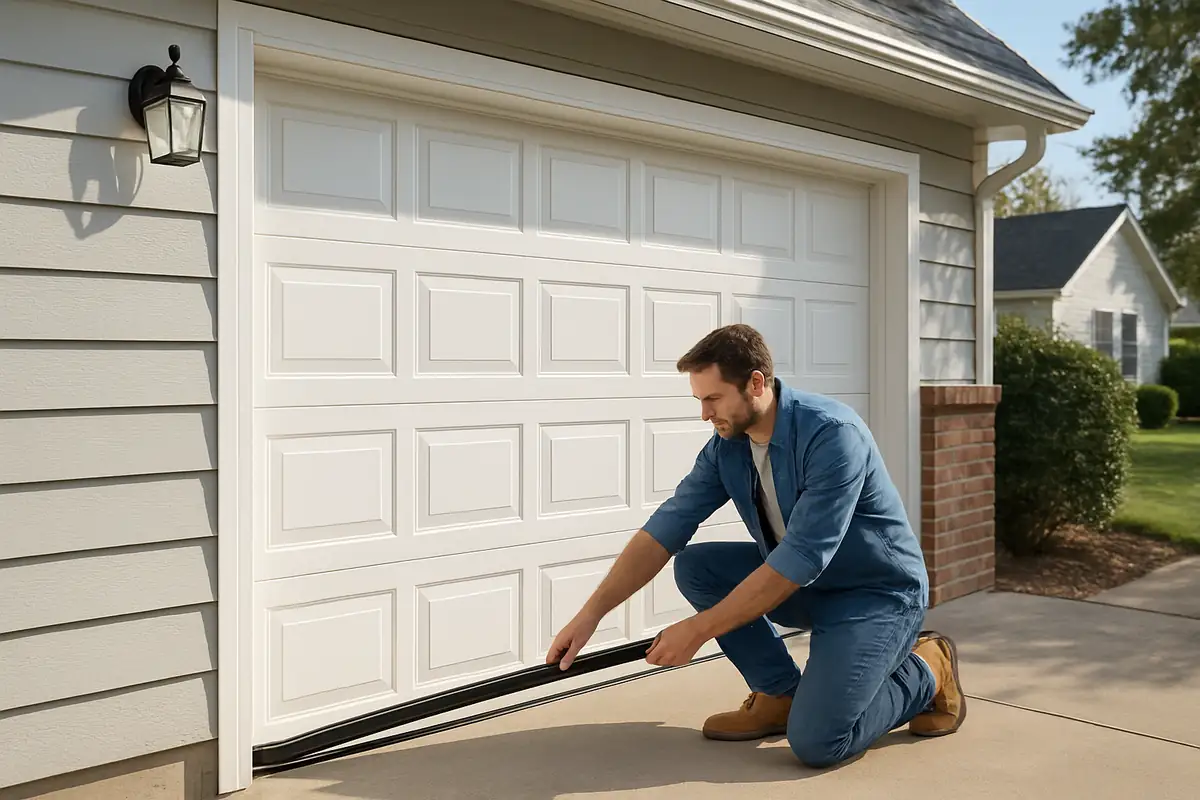
How to Program Your Garage Door Remote: A Complete Guide for Marianna, FL Residents
Introduction: The Importance of a Functional Garage Door Remote
Your garage door remote is the key to quick and convenient access to your home. In Marianna, FL, where the climate can change rapidly, having a fully operational garage door remote can save you time and hassle. But what do you do when it stops working? Programming your garage door remote yourself is a practical solution, and in this guide, we’ll walk you through the steps.
Understanding Your Garage Door System
Before diving into the programming process, it's essential to understand your garage door system.
Components of the Garage Door System
- Remote Control: The device you use to open and close your garage door.
- Receiver: Located in your garage door opener, it receives signals from your remote.
- Transmitter: A chip in your remote that sends a signal to the receiver.
Common Types of Garage Door Remotes
Garage door remotes come in various types. Knowing which type you have can streamline the programming process:
- Keychain Remotes
- Visor Remotes
- Smartphone Apps (if equipped)
Step-by-Step Guide to Programming Your Garage Door Remote
Programming your garage door remote is usually a straightforward process. Here’s how you can do it:
Step 1: Locate the Learn Button
Start by finding the learn button on your garage door opener, typically located near the antenna. This button is essential for syncing your remote.
Step 2: Prepare Your Remote
Ensure your remote is functioning correctly and has fresh batteries. If you’re using a smartphone app, ensure it’s up to date.
Step 3: Programming the Remote
- Press and hold the learn button until the LED indicator lights up.
- Within 30 seconds, press the button on your remote that you want to program.
- Release the button once you see the garage door opener’s lights blink. This indicates successful programming.
Step 4: Test the Remote
After programming, test your remote by pressing the button. Your garage door should open or close smoothly.
Troubleshooting Common Issues
If your garage door remote isn't working correctly after programming, here are a few troubleshooting tips:
- Check the batteries in your remote.
- Ensure you’re close enough to the garage door opener.
- Reprogram the remote following the steps above.
Safety Tips When Programming Your Garage Door Remote
Safety is paramount when dealing with garage door systems. Here are some essential safety tips:
- Keep garage doors closed when not in use.
- Ensure children and pets are at a safe distance when programming.
- Regularly inspect your garage door system for wear and tear.
Statistics to Consider
Did you know that nearly 30% of homeowners in the U.S. experience issues with their garage doors? Regular maintenance and understanding how to program your remote can prevent many of these problems.
When to Call the Professionals
If you’ve followed these steps and your garage door remote still isn’t working, it might be time to contact a professional. Garage Door Repair & More in Marianna, FL, offers expert services to resolve any garage door issues. Our trained technicians can diagnose problems and ensure your garage door operates smoothly.
Conclusion: Take Control of Your Garage Door Experience
Programming your garage door remote can save you time, enhance convenience, and ensure security. By following the steps outlined in this guide, you can easily program your remote and troubleshoot minor issues. Should you encounter any persistent problems, don’t hesitate to reach out to Garage Door Repair & More for expert assistance. Reach out today, and let’s get your garage door working perfectly again!
Explore More Resources
Related Articles
Service Areas
We proudly serve Marianna, Mallory Heights, Oakdale, Chipola Terrace, Star and more areas.
Our Services
Professional garage door repair, spring repair, opener installation and more. View all services →
How to Extend the Life of Your Garage Door: Essential Tips for Marianna, FL Residents
Choosing the Right Garage Door for Your Climate: Garage Door Repair in Marianna, FL